How to Connect Google Ads, Merchant Center, and Product Feeds
Workflow guide for connecting Google Ads, Merchant Center, and product feeds, with AI Shopping Feeds organizing feed data and publication handoffs.
 Maya Singhon March 6, 2026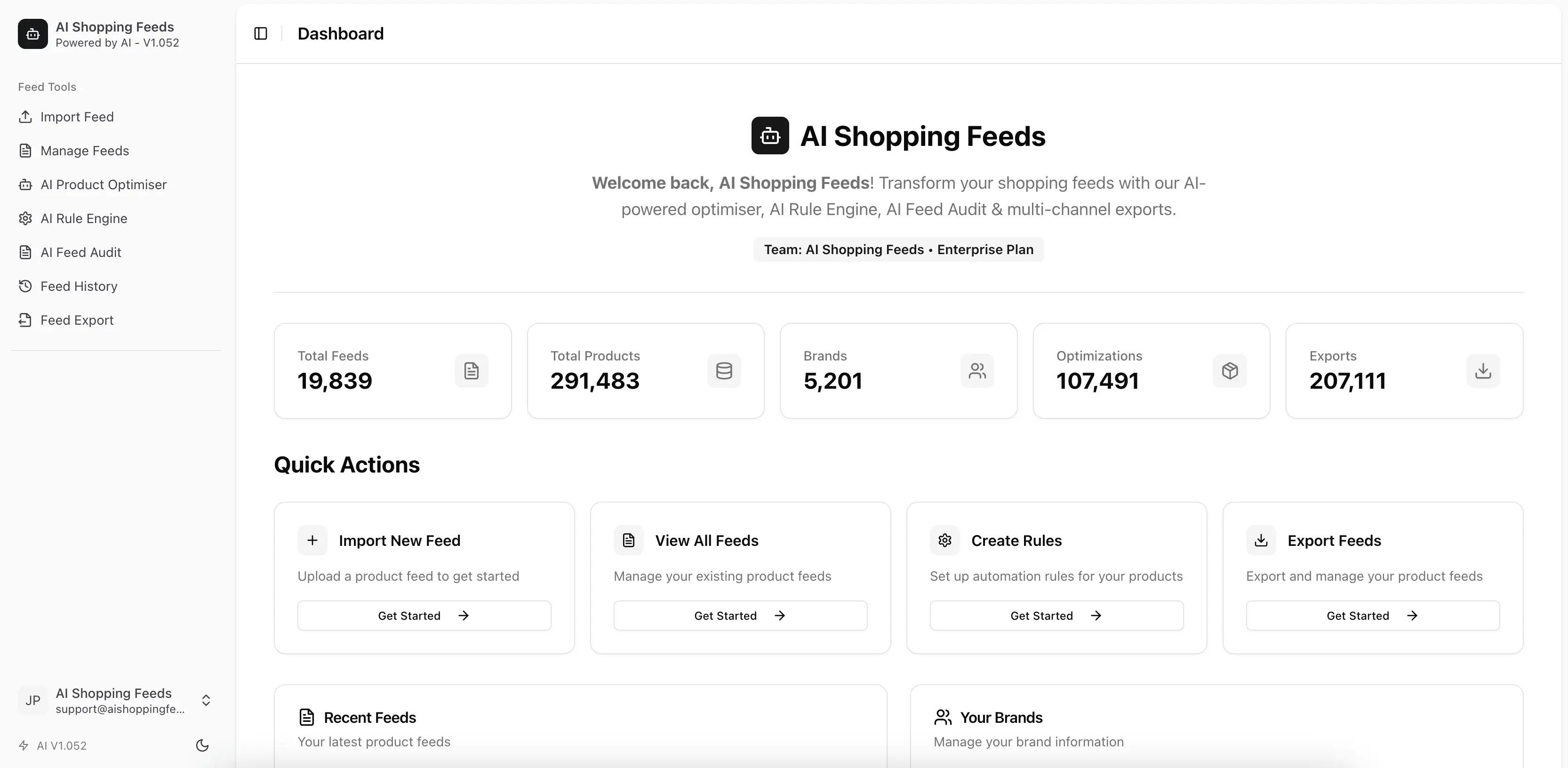
Many teams search “connect Google Ads Merchant Center” when the real issue is broader than account linking. They are trying to connect three layers at once:
- the Google accounts
- the product feed
- the workflow that keeps product data trustworthy over time
That is why connection projects often feel deceptively simple at first and frustrating later. The account link may be straightforward, but the operational fit between merchant settings, product data, and publication discipline is where most problems surface.
What the searcher usually needs
Teams making this connection typically want to know:
- which system should be prepared first
- where the product feed should be managed
- how Merchant Center and Google Ads relationships affect the workflow
- what should be verified before the team starts scaling
Those are operating questions, not just UI questions.
What AI Shopping Feeds does today
The current app gives teams a place to manage the feed layer before it is handed off downstream. That includes:
- brands and feeds
- product create, update, and bulk operations
- rules and AI optimisation
- export URLs and feed distribution workflows
- team-management surfaces for Google Merchant Center and Google Ads connections
This is why the product is relevant to the topic. AI Shopping Feeds is not replacing Google’s link flow. It is helping teams organize the product-data operations around it.
How it works in our app
The app treats product data as an operating layer rather than as a file that appears at the last minute.
First: define the feed structure
Create or organize the brand and feed that represent the market, client, or product set you care about.
Second: improve the data quality
Use product editing, rules, or AI optimisation to improve the quality of the feed before publication.
Third: connect the relevant external accounts
The broader application includes team-management surfaces for Google Merchant Center and Google Ads account connections, which lets teams align the feed workflow with the relevant account relationships.
Fourth: retrieve or publish the output
Use export URLs or the relevant publication path after the feed state has been reviewed.
The correct order of operations
The biggest mistake teams make is starting with the Google account-link step before deciding how the feed will actually be managed.
Step 1: stabilize product-data ownership
Before connecting anything, decide:
- where canonical product data lives
- who owns feed fixes
- how updates will reach the managed feed
- which workflow handles titles, categories, and attributes
Without those decisions, the account connection only creates a clearer path for bad data to move faster.
Step 2: make Merchant Center operationally ready
Merchant settings, website alignment, shipping, returns, and product-data readiness should be checked before scaling any connected workflow.
Step 3: connect Merchant Center and Google Ads
This is where the official guidance matters:
Those docs define the Google-owned relationship. They should be followed directly for the account-link side of the work.
Step 4: verify the handoff path
Once the accounts are connected, confirm that the feed your team actually intends to publish is the one entering the workflow.
Why feed quality matters more than the connection itself
The account link often gets too much attention because it is visible and easy to describe. But the real leverage sits in the feed:
- identifiers
- titles
- descriptions
- categories
- price and availability accuracy
- shipping and returns alignment
If these are unstable, a successful account link will not solve the underlying performance and eligibility problems.
Where AI Shopping Feeds adds value
AI Shopping Feeds helps by giving teams a stronger operating layer before the downstream handoff. That matters when:
- several people touch the product data
- multiple brands or markets are involved
- the team wants a stable export route
- operators need to review and improve data before publication
The product should be framed as the workflow layer around the feed, not as a replacement for Google-owned account controls.
What to verify after the connection
Once Merchant Center and Google Ads are connected, teams should check:
- the intended feed is the one being used
- titles and attributes match live landing pages
- shipping and returns details remain consistent
- diagnostics are not clustering around a structural source issue
- the internal ownership model is clear when something breaks
These checks matter more than the fact that the UI says the accounts are linked.
Common failure patterns
Connection comes first, governance comes later
This usually creates repeated rework because the feed was never operationally ready.
Merchant settings are treated separately from product data
In reality, merchant trust and product quality are evaluated together by the workflow.
Teams assume the destination will solve source issues
It will not. Weak source governance simply shows up as more diagnostics and more manual cleanup.
Why this guidance is trustworthy
This article combines the implemented AI Shopping Feeds account-connection and feed-management surfaces with official Google documentation for the actual Google-owned link steps. That distinction is important. Good BOFU content should tell readers exactly where the app helps and where Google remains the source of truth.
Operational checklist before every publish cycle
Once the accounts are linked and the feed workflow is live, teams should keep a short publish checklist that confirms the connection still reflects the intended operating state. The most useful checklist usually verifies:
- the correct feed is being prepared
- product truth still aligns with the site
- shipping and returns settings remain current
- the account link still maps to the workflow the team expects
- the handoff path is using the right managed feed state
This prevents the connection from quietly drifting away from the actual business process.
Escalation model for recurring issues
Connection problems are rarely just “Google problems.” The same recurring failures often trace back to one of three places:
- merchant settings and account configuration
- source catalog data quality
- feed-layer workflow design
The team should know which owner takes which issue family. Without that escalation model, every failure becomes a manual investigation and the connection project never stabilizes.
Metrics that show the workflow is actually connected
The strongest signals are operational:
- time from source update to verified feed readiness
- number of recurring mismatches after account linking
- number of manual interventions required before publication
- percentage of connected-feed issues traced to the same root cause
These metrics show whether the connection is genuinely supporting the business or just existing on paper.
Why this topic needs more than account-link screenshots
Readers search this topic because they need workflow clarity, not just UI instructions. The real value comes from explaining how account relationships, merchant readiness, and feed governance fit together. That is why this article keeps pointing back to both official Google linking docs and the AI Shopping Feeds operating layer around the feed itself.
Final take
Connecting Google Ads, Merchant Center, and product feeds is not only about linking accounts. It is about creating a reliable operating path between merchant settings, product data, and publication. AI Shopping Feeds helps teams manage the feed layer around that process so the connection points are supported by better data and clearer workflow ownership.
For the Merchant Center setup context, continue to Google Merchant Centre Guide: Setup, Feed Operations, and Diagnostics. For the API-led feed layer behind the workflow, read Ecommerce Feed API for Google Ads, Meta, and Marketplaces.
Why wait? Try it free today.
Stop managing feeds manually. Start optimising with AI in 30 seconds.
- 100% free forever, no credit card required
- 1 brand, 1 feed, 100,000 products per feed
- Full AI Product Optimisation, Rule Engine, and 200+ channel exports
- Pay only for AI credits when you need them